 DREFLY
Record Your Screen Free, Forever: No Signup, No Watermark
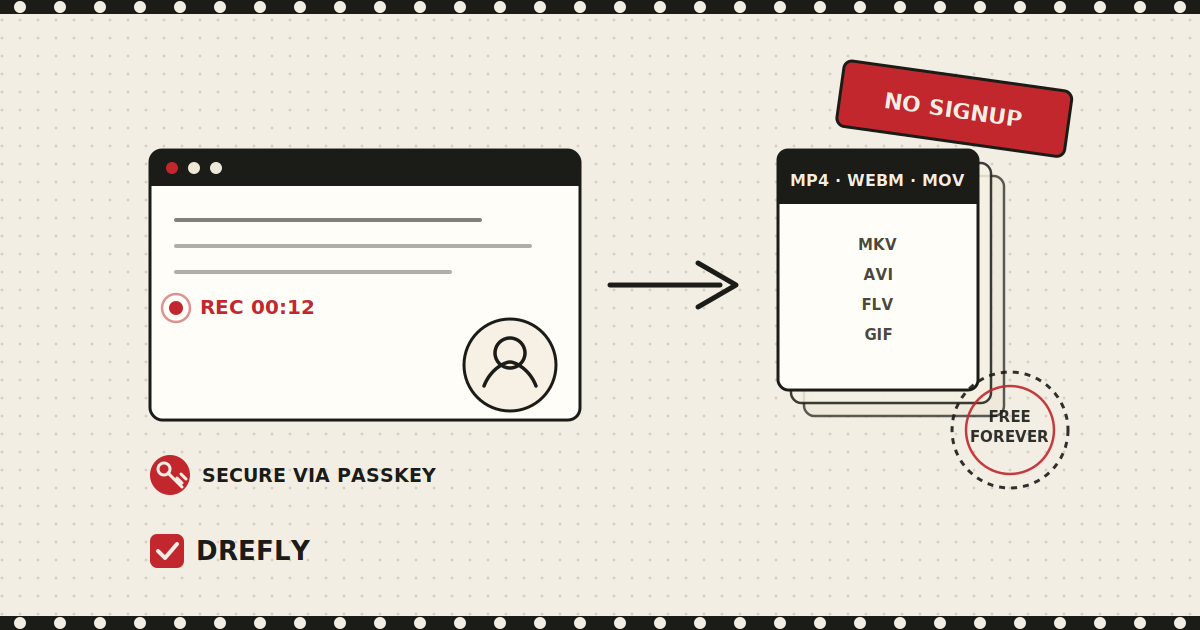
Most screen recorders start the same way: an account screen, a "choose your plan" page, and a watermark sitting in the corner of every clip until you upgrade. Drefly's Record tool skips all of that. Open the page, hit record, and you're capturing your screen, camera, or both, with nothing standing between you and the file you actually wanted.
It's one of the tools we hear about most from people who tried it once for a quick screen capture and ended up using it every week. Here's what it actually does, and why it works the way it does.
Built for real recording, not a paywall funnel
A lot of "free" screen recorders are free right up until you need something normal, like a recording longer than five minutes, or a file without a logo stamped across it. Drefly's Record tool doesn't work that way. There's no recording length limit, no file size cap, and no watermark on anything you capture. If you need to record a two hour walkthrough, you can.
What you can record
The tool covers the sources people actually reach for:
- Screen - your full display, a single window, or a browser tab.
- Camera - just your webcam, for a talking head clip.
- Screen with a webcam bubble - the classic tutorial layout, your screen with your face in the corner.
- Audio only - when you don't need video at all.
You can mix in your microphone, your system or tab audio, or both together, and Drefly blends them automatically. There's a pause and resume control with a live timer running the whole time, so you can stop mid-thought, collect yourself, and pick the recording back up without starting over.
No signup, secured with your own passkey
You can start recording the moment you land on the page. No account, no email, no password to invent and forget. If you want more, like connecting your own cloud drive so recordings follow you across devices, that's unlocked with a passkey instead of a password.
A passkey is tied to your device (your fingerprint, your face, or your device PIN) rather than a string of characters you have to remember or that a site can leak in a breach. It's the same technology banks and password managers have been moving toward, and it's built into Record from the start rather than bolted on as an afterthought.
Local or cloud, always yours
By default, everything you record is saved locally, straight to your browser on the device you're using. Nothing leaves your machine unless you choose to send it somewhere.
Unlock your passkey and you can also connect your own cloud drive. Once it's connected, your recordings save there directly, which means you can pick up a recording made on your laptop from your phone later. The important part: those files live on your drive, not on Drefly's servers. We don't keep a copy. When you want to share a recording, you pick a format, tap Create link, and Drefly saves a copy into your drive's share folder and hands you back a drefly.pro link you can send anywhere, or you can just use your device's native share sheet to send the file straight to WhatsApp, Slack, email, or X.
Edit it, then export to any format
A recording is rarely the finished product. Once you've captured something, Drefly's video tools are one click away without leaving the browser or opening a separate app. Trim the dead air with Clip Video, reframe it with Crop Video, or turn it into a finished, ready to post clip with Reel Maker, which lets you arrange multiple clips, add background music and captions, and export something that looks like it came out of a proper editing suite.
When you're ready to download, you're not locked into one file type. Recordings capture natively as WebM or MP4 depending on your browser, and from there you can export to MP4, WEBM, MOV, MKV, AVI, FLV, or even an animated GIF, whichever format the person you're sending it to actually needs.
Why keep it free
Screen recording is one of those tasks that shows up constantly and unpredictably: a bug report for a teammate, a quick tutorial for a client, a walkthrough you need in the next ten minutes, not after a credit card form. Charging for that, or capping it at a few minutes until you upgrade, defeats the point. Record stays free and unlimited for the same reason the rest of Drefly does: because the tools we were frustrated with weren't hard to build, they were just built to squeeze a payment out of a five-second task. If you want the longer version of that story, we wrote it up in Why I Built Drefly.
If you want the full technical picture of how recordings and files are handled, our Privacy Policy lays it out in detail.
We'd love your feedback
Record keeps improving because people actually using it tell us what's missing or what tripped them up. If you've got a suggestion, hit a bug, or just want a format we don't support yet, we want to hear about it. Reach out any time through the Feedback page or by emailing support@drefly.pro.
Ready to try it?
Open the Record tool and capture your first clip in seconds, no signup required.
Try the Record tool